
Here are the instructions for completing the Term Check-In before registering for classes:
1. Log into Experience.
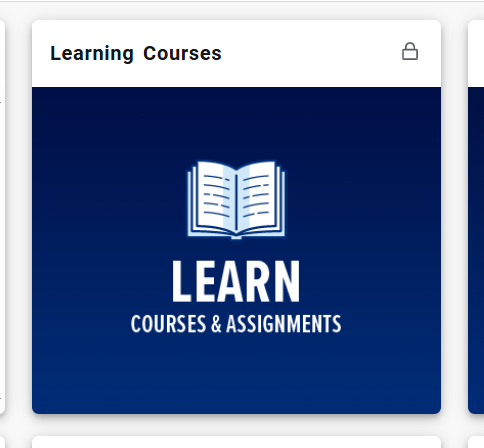
2. Click on Learn.
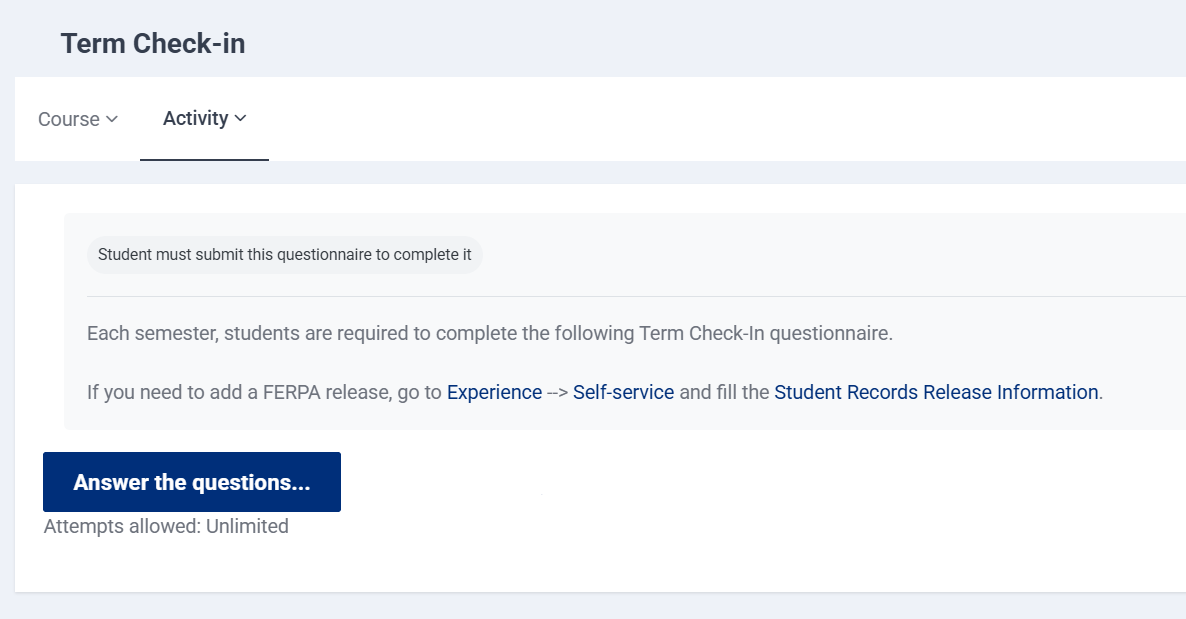
3. If you have not already completed Term Check-in, you will automatically be directed to that page after clicking on Learn (see screenshot below). Click on "Answer these questions..." and complete the questionnaire. Notice that the questions marked with a red exclamation circle are required before proceeding from one page to the next.\
4. Once you have completed the questionnaire, click "Save and Exit."
Congrats! You have completed Term Check-In!